
EN13319 Certified
Validated according to international dive computer standards, covering depth accuracy and mode safety.
Transform your Apple Watch Ultra into a powerful dive computer, experience AI color restoration and global community.

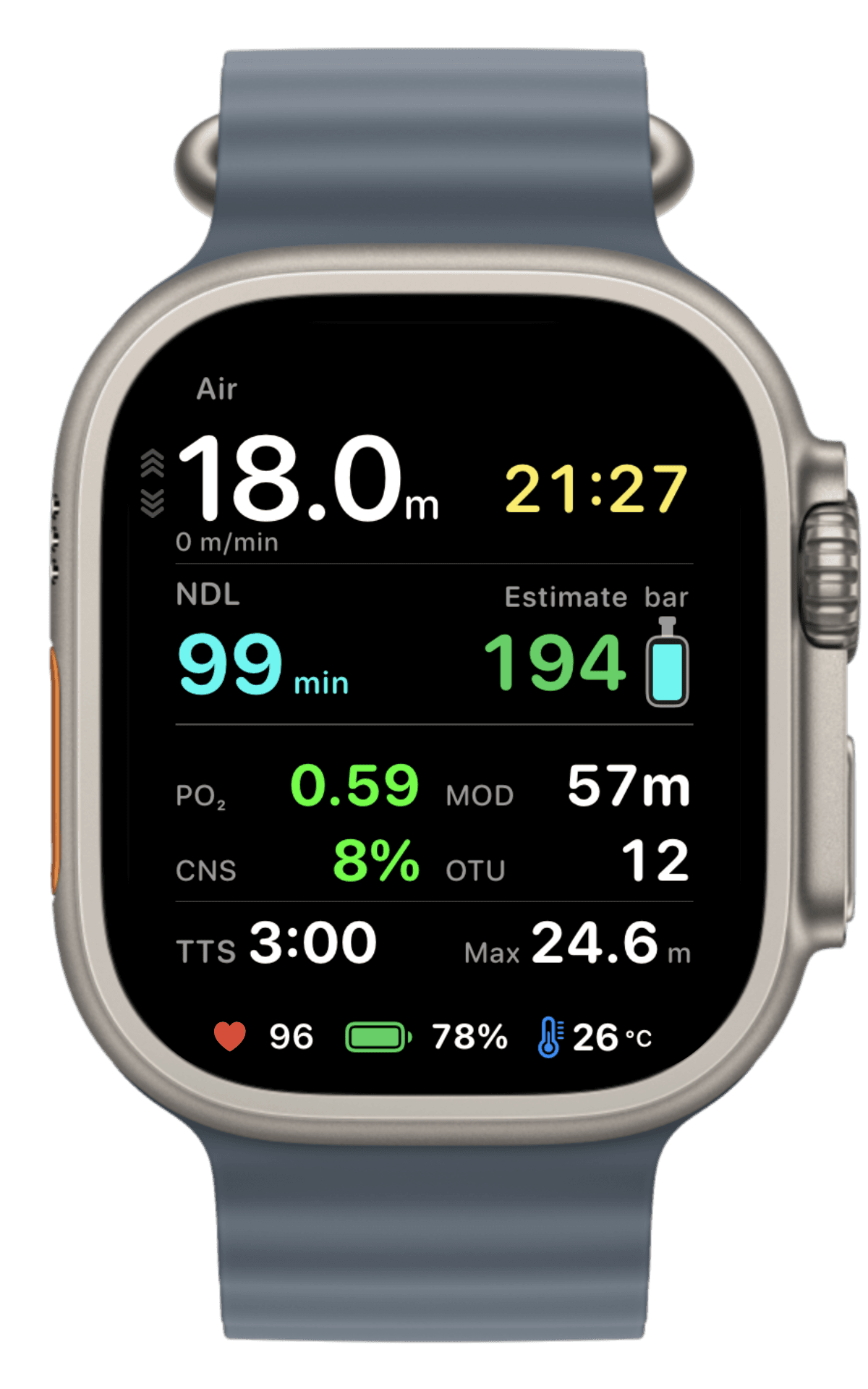
Start with the safety screen, then move through decompression, gas, power-saving, route, and training tools using the real Watch UI.
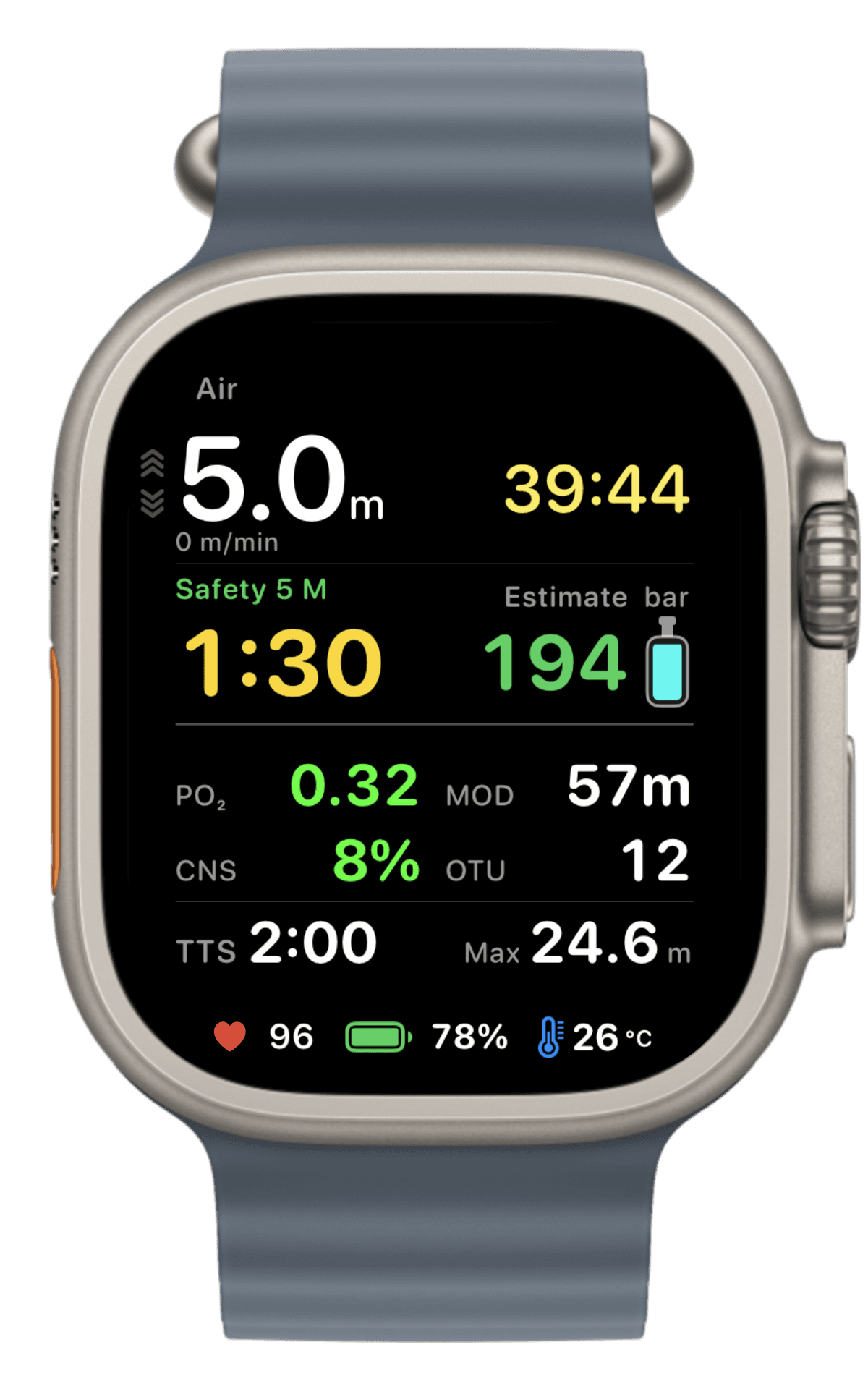
Safety Stop
Scuba · 01 / 12
Keep a clear Safety Stop countdown and ascent guidance visible during scuba dives.
Validated according to international dive computer standards, covering depth accuracy and mode safety.
Keep no-decompression and decompression-stop guidance with gradient factors on your wrist.
Enter tank pressure manually, then keep consumption and remaining-gas time in view.
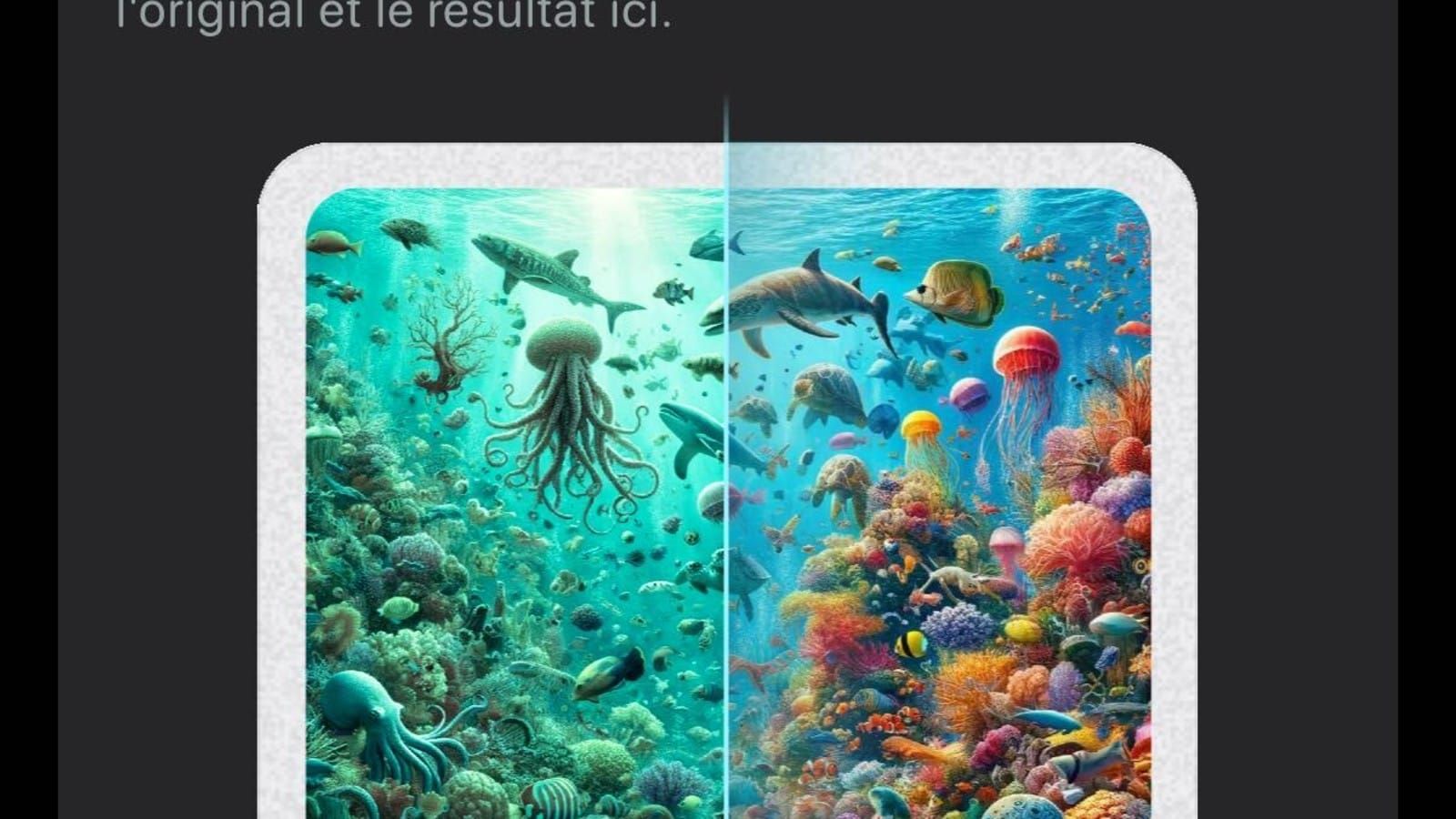
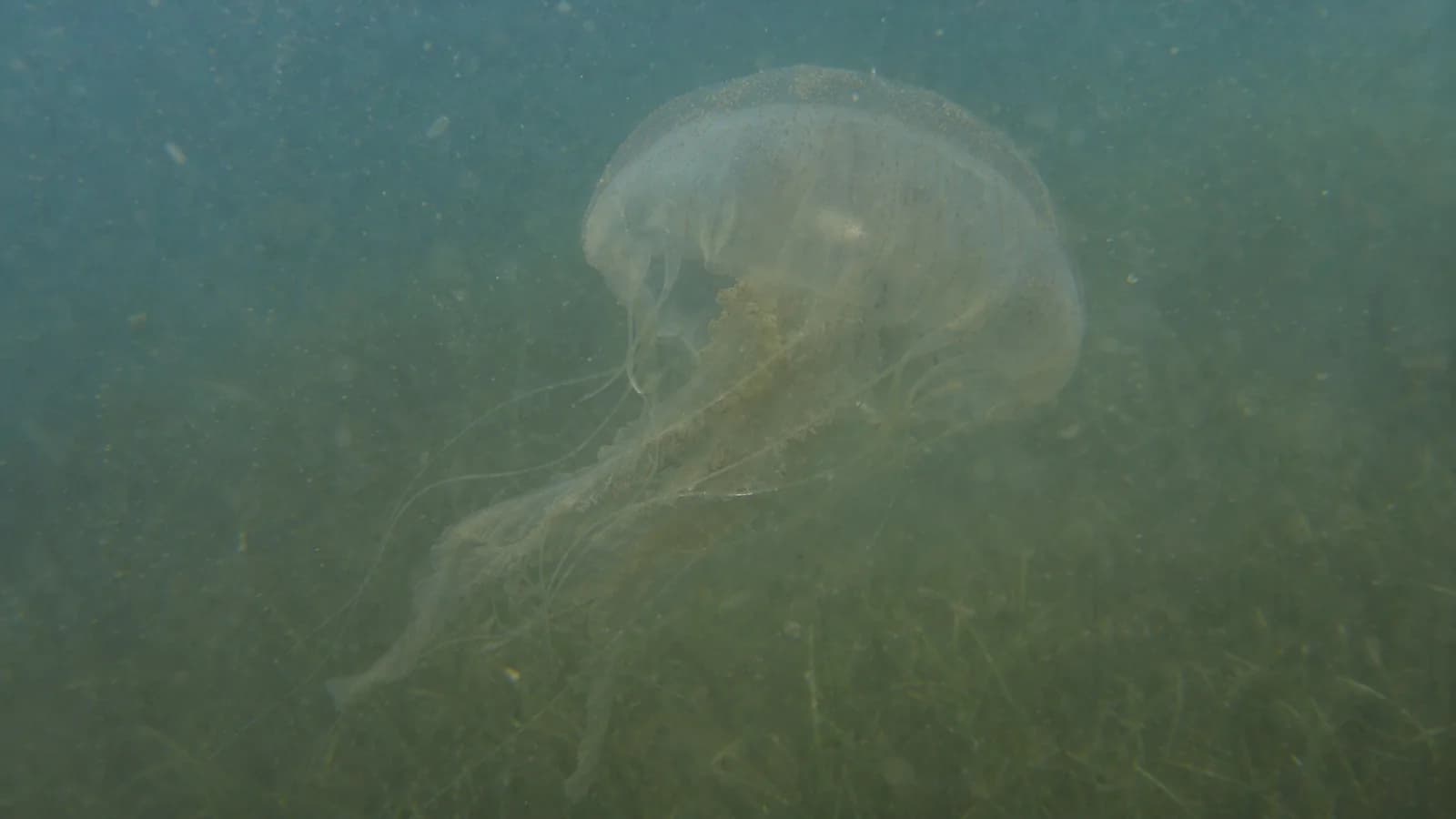
Drag through real underwater samples and watch DIVEROUT recover contrast, warmth, and detail from green water.
Explore independent guides with maps, seasons, marine life, and sea conditions. A dive site stays discoverable even when no trip is on sale yet.
01 / Search the atlas
02 / Global map
Explore 108 public guides with confirmed locations. Zoom into a cluster, hover to see a name, or select a point to open its guide.
Browse dive trips, check live availability and pricing, and book and pay online.
DIVEROUT can be used underwater down to 40 m on compatible Apple Watch hardware. The actual supported depth depends on your Apple Watch model and Apple’s official water-depth rating.
Please ensure Auto Launch is enabled in the iPhone Watch app, DIVEROUT is selected under Selected App, and your default Dive Mode is set correctly. If settings were just changed, we recommend restarting DIVEROUT on your Apple Watch before testing in the water.
First, confirm in the Watch app on your iPhone that the Action Button settings are correct: the Action must be 'Dive' and the App must be 'DIVEROUT'. If you have set a default Dive Mode, confirm that as well, as it affects the dive mode activated when pressing the Action Button.
If depth, time, or other data show 0 after diving, it is usually because the 'Motion & Fitness' permission is disabled. On your iPhone, go to Settings > Privacy & Security > Motion & Fitness and enable 'Fitness Tracking' for DIVEROUT, or go to Settings > Apps > DIVEROUT and enable 'Motion & Fitness'. After enabling, restart DIVEROUT on both your iPhone and Apple Watch.
Feature visibility depends on sign-in status, location and Motion & Fitness permissions, and device support for underwater sensing. If a feature is missing, sign in to DIVEROUT, grant these permissions and reopen the app. If needed, check the permission status page on your watch.
DIVEROUT · Apple Watch Ultra
Transform your Apple Watch Ultra into a powerful dive computer, experience AI color restoration and global community.